
Local visibility
Prepare for Google Business Profile Video Verification
Plan a clear verification recording with location, business, and management evidence, while keeping private information out of the frame.
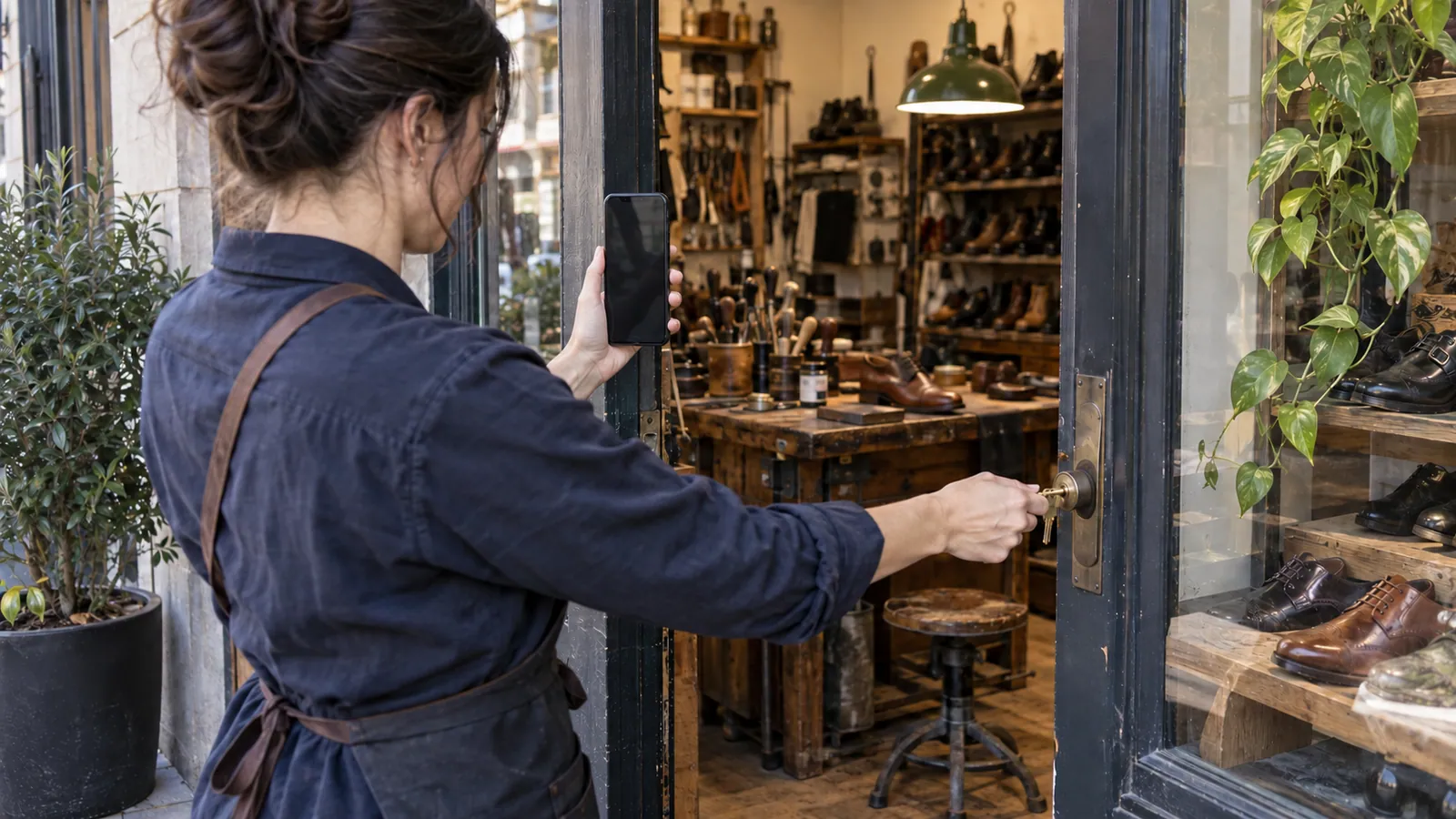
Verification is an evidence task, not a promotional video. The reviewer needs to understand that the business operates where claimed and that the person recording is authorized to represent it. A polished montage is less useful than a clear, continuous demonstration.
Read the requirements shown for your business
Google's current recording instructions require a live, unedited recording made through the profile on a mobile device. The footage should establish location, business activity, and management access. Storefront and service-area businesses need different supporting details. Follow the requirements displayed in your own verification flow. Official video guidance.
Before recording, write three short answers: Where do we operate? What will demonstrate our real work? What can I access that a random visitor cannot? These answers form the route through your recording.
Rehearse the route without staging evidence
For a hypothetical storefront, the route might begin with a recognizable street marker, continue to permanent business signage, and end with authorized access to an employee-only area. For a mobile service company, it might show the operating area, professional equipment, and access to a branded work vehicle. Choose evidence that genuinely exists; do not manufacture signage, documents, or a temporary location for the recording.
Walk the route once with the phone lowered. Check lighting, door access, background noise, and whether a sensitive document or bystander is likely to enter the frame. Have keys and permitted materials ready so the recording does not become a search through drawers.
Protect information while showing enough context
Do not include private identification, account numbers, customer records, or other people's faces. Select a safer angle or a different piece of evidence. A document may contain a useful business name but also private information that should not be filmed. Review Google's current instructions before choosing documents.
Use a charged phone and a reliable connection. Open the correct profile, start the offered verification method, grant the necessary device permissions, and record the planned sequence. Review before submitting. Keep the submission confirmation and the date in your internal task record.
If the recording is not accepted
Read the specific feedback before trying again. If the location was unclear, improve the location evidence. If authorization was missing, plan a clearer demonstration of management. Repeating the same footage without addressing the stated issue is unlikely to clarify the case. Use available support options when the offered flow cannot be completed.
Frequently asked questions
### Can an agency make the video from another city? The task requires real on-site evidence. An agency can help prepare the checklist, but the recording should be made by someone authorized and able to demonstrate the business in person.
### Should I upload a pre-edited brand video? No. Google's verification recording flow is separate from marketing media. Follow its live recording requirements.
### Does strong evidence guarantee approval? No. Google makes the verification decision. The useful goal is a complete, truthful submission that addresses the requested evidence.
Sources and further reading
Continue with this related guide
Reviewed September 5, 2026. Practical examples are illustrative, not client results.