
Local visibility
Create Location Pages That Offer Real Local Value
Decide when a location page is useful and build it from real coverage, distinct customer information, and evidence instead of city-name swaps.
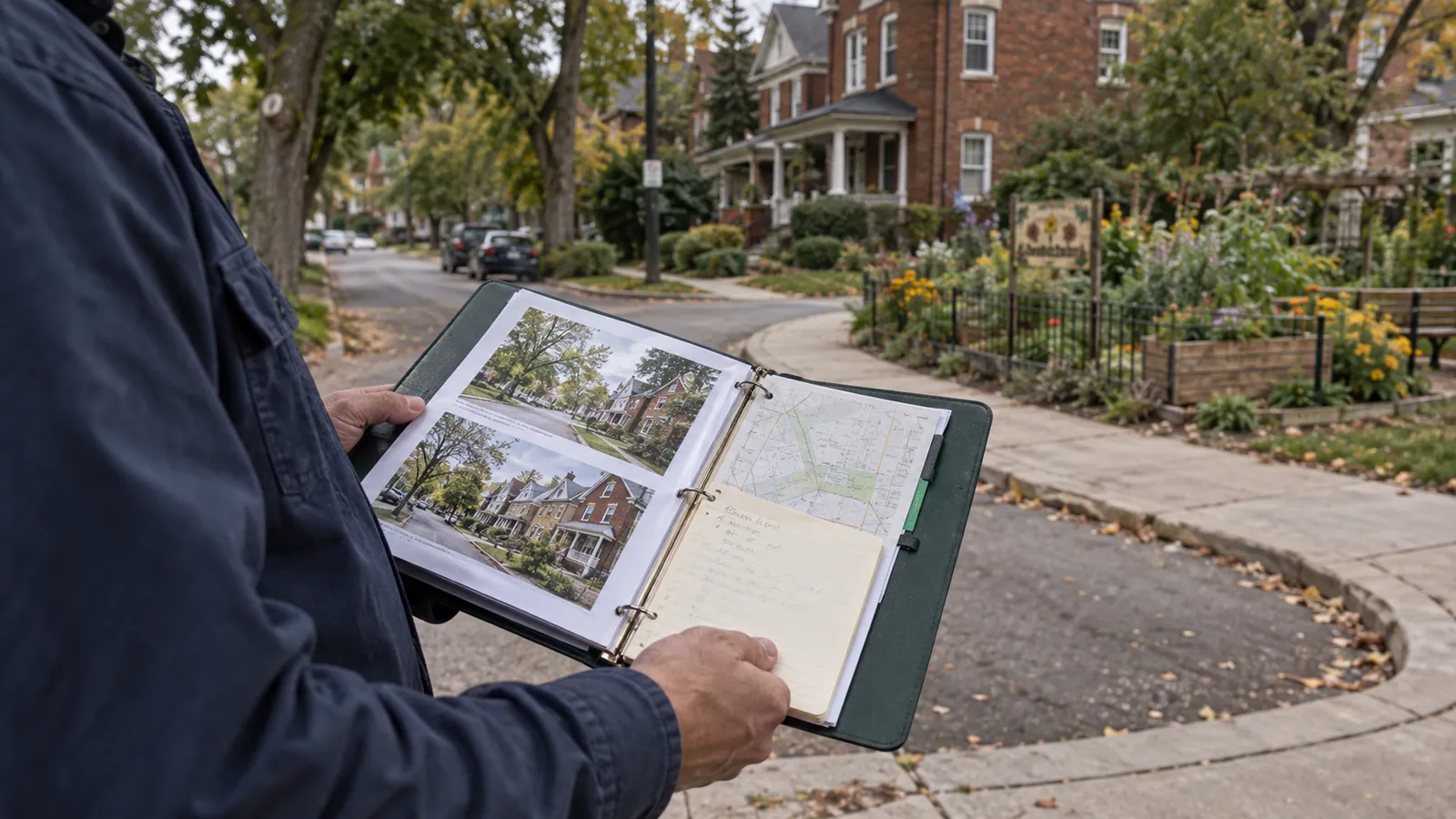
Changing a city name in an otherwise identical page does little to help a customer. A useful location page explains how the business serves that place and gives information the general service page cannot provide as clearly.
Decide whether the page has a job to do
Before creating it, list what will be meaningfully specific: a real branch's contact details, different availability, actual local projects, service limitations, travel arrangements, or location-specific customer questions. If the only difference is a city name, improve the broader coverage page first.
A service area is not automatically a storefront. Do not create a local address, office photo, or branch claim to make the page look more established. Describe the actual relationship: a staffed location, a genuine service area, or a place the business does not yet serve.
Build from a local brief
Ask operations to confirm the services available, contact process, scheduling limits, and any practical information customers need. Obtain approved local evidence when available. A hypothetical coastal service area might have a different booking arrangement from the town containing the office; explain the arrangement only if it is real.
Keep the main service explanation consistent across the site, but give the local page a distinct purpose. For a real branch, show its verified hours and contact route. For an area served from another location, say that clearly instead of implying a local walk-in office.
Avoid doorway-style expansion
Google's spam policies describe doorway abuse, including pages created to target similar searches and funnel users toward a less useful destination. Do not mass-produce near-identical city pages solely to capture variations of the same query. Google spam policies.
An editorial test is simple: if a person already read the main service page, what new, useful decision can this page support? “The heading contains their city” is not a strong answer.
Connect the page into the site
Use clear navigation from a coverage or locations overview. Link to relevant services and provide a direct contact step. Avoid leaving pages isolated and accessible only through search results. Keep location names consistent so customers understand which team they are contacting.
Review the page when coverage, staffing, or scheduling changes. An old page promising service the business no longer offers can create wasted calls even if it continues attracting visits.
Frequently asked questions
### Do we need a separate page for every ZIP code? Only create a page when there is a useful, distinct reason. A coverage list or lookup may answer the question more clearly.
### Can we use the same service description? Some facts will naturally repeat, but the page needs additional local value. Repetition alone does not justify a new URL.
### Should we claim an office in a city we visit? No. Be explicit about serving the area from your actual operating location. Customer clarity matters more than appearing to have another branch.
Sources and further reading
Continue with this related guide
Reviewed September 5, 2026. Practical examples are illustrative, not client results.