
Business directory
How to Claim Your Business on Show Up Nearby
Find the existing listing, explain your relationship to the business and submit an ownership request for review.
Find the existing listing first
Search the directory by business name, service and city. Open the profile that corresponds to the location you manage. An initial listing may contain public information gathered from the business website and may not yet have an owner managing it on Show Up Nearby.
Use the claim action on that profile. If you need to sign in, the claim journey preserves the selected business. Creating an account by itself does not establish ownership.
Explain your authority to manage the business
Choose the available verification route that fits your situation. Supply the requested business contact or reference and explain your role. Information you submit starts as an applicant statement; a reviewer must assess the evidence before ownership is approved.
Keep private records out of public descriptions and social links. If additional documentation is needed, follow the reviewer's instructions for providing it through an appropriate private channel.
Follow the request through review
Your workspace shows the request and its status. Respond to a request for changes with the relevant clarification. Avoid creating duplicate claims for the same location while a request is already being reviewed.
After approval grants management access, use Business Studio to prepare profile changes, social links, opening hours and images. Drafts and review states let you prepare information before publication. Claim approval, content approval and a verification badge are separate decisions; claiming a profile does not automatically grant every status.
Keep exploring
Sources and editorial notes
Original practical checklist by Show Up Nearby. Examples are editorial recommendations; confirm job-specific conditions with the business. Sources checked September 7, 2026.
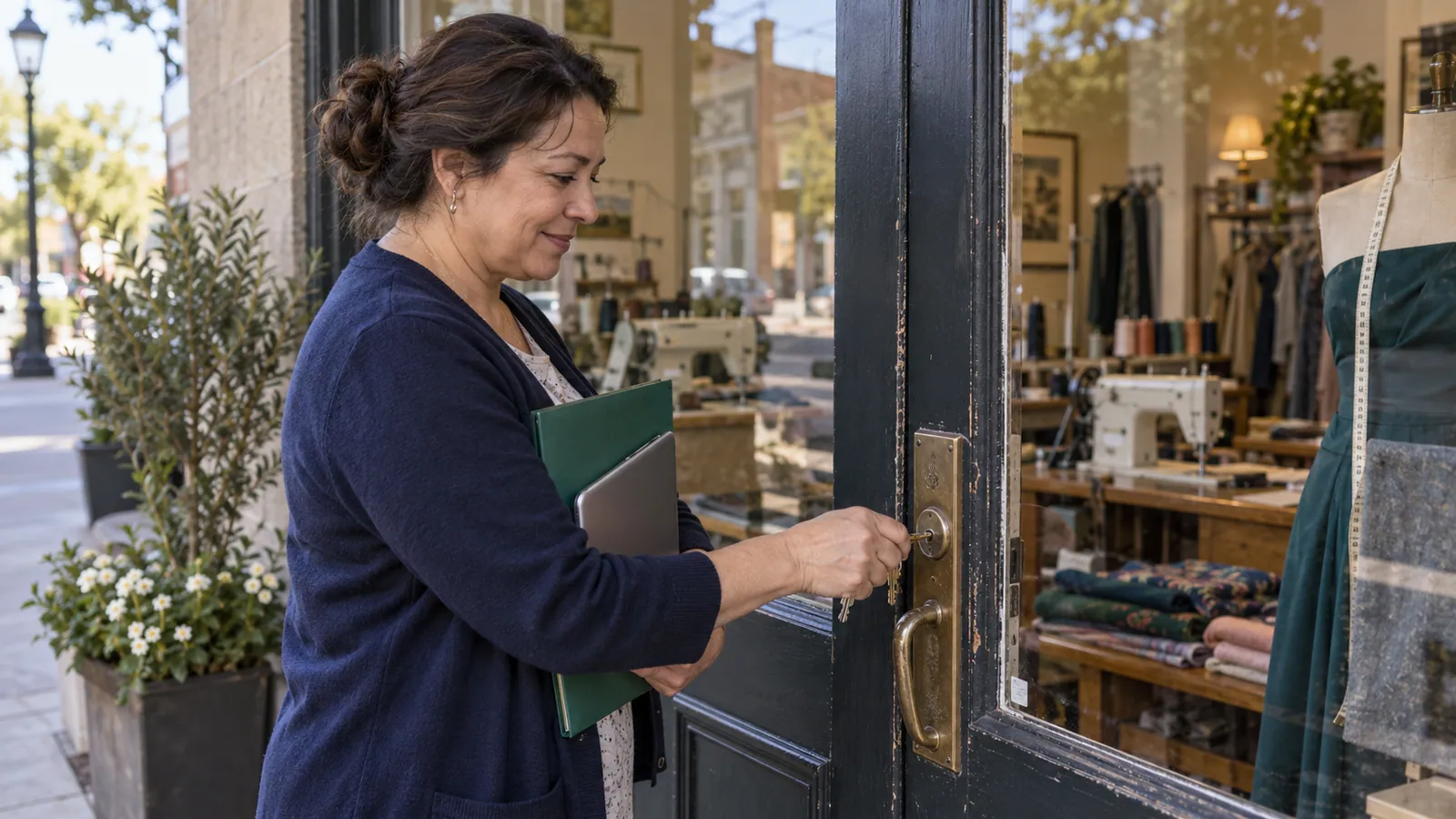
Illustrative photograph: RDNE Stock project, Pexels License. Does not identify a listed business.