
Business directory
Choose a Logo, Cover and Gallery for Your Directory Profile
Give each image a clear purpose, preserve the logo and show work you have permission to publish.
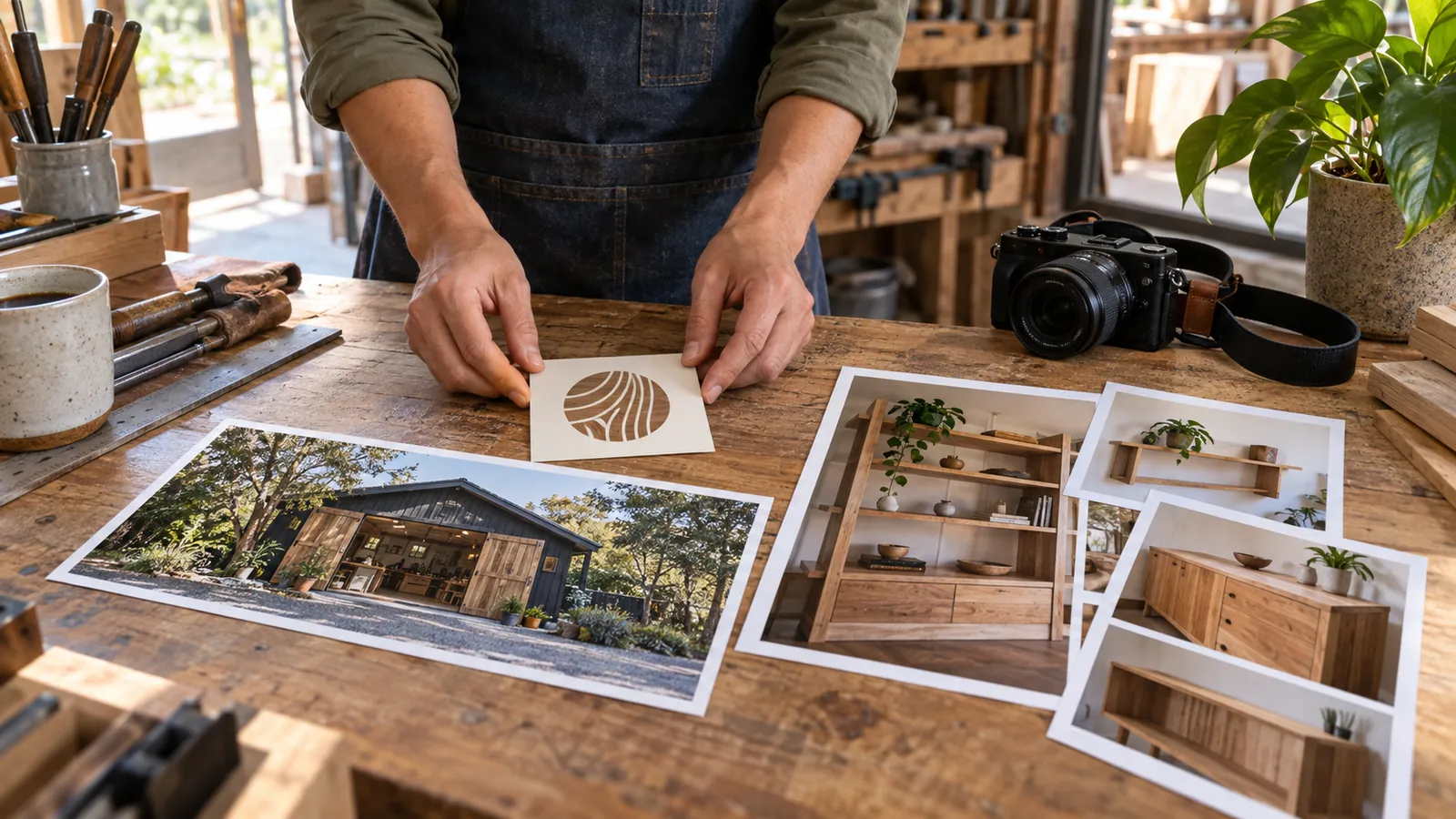
Give each image a job
The logo identifies the business. Use a clean version that stays readable at a small size and leave enough space around the artwork. The cover introduces the business visually; choose one clear subject that can work in a wide crop. Gallery photos can show different services, project stages or relevant equipment.
Use images you own or have permission to publish. Do not present stock photography as evidence of a project your team completed. Avoid exposing customers' private information in the background.
Prepare the image in Business Studio
Choose a logo, cover or photo upload. The editor accepts JPEG, PNG and WebP originals, then prepares an optimized WebP version. The crop controls let you adjust the framing; the logo treatment keeps the artwork contained instead of forcing it to fill every edge.
Write alternative text describing what the picture shows. “Blue company wordmark on a white background” or “Finished exterior paintwork on a two-story house” is more useful than a string of service keywords.
Check the draft and the review state
Review the prepared image before uploading. Confirm your right to use it, then send ready images for review. Uploading does not immediately make a file public. Approved media appears only with an eligible published profile.
Inspect the live cover on a phone as well as a larger screen. Replace images when branding or services change, and remove photographs that are no longer appropriate for the profile.
Keep exploring
Sources and editorial notes
Original practical checklist by Show Up Nearby. Examples are editorial recommendations; confirm job-specific conditions with the business. Sources checked September 7, 2026.
Illustrative photograph: Polina Tankilevitch, Pexels License. Does not identify a listed business.