
Photos & content
Job Photos on Your Website: File Names, Alt Text, and Size
Make real job photos easy for Google and for customers to understand, with descriptive file names, honest alt text, sensible sizes and the right placement.
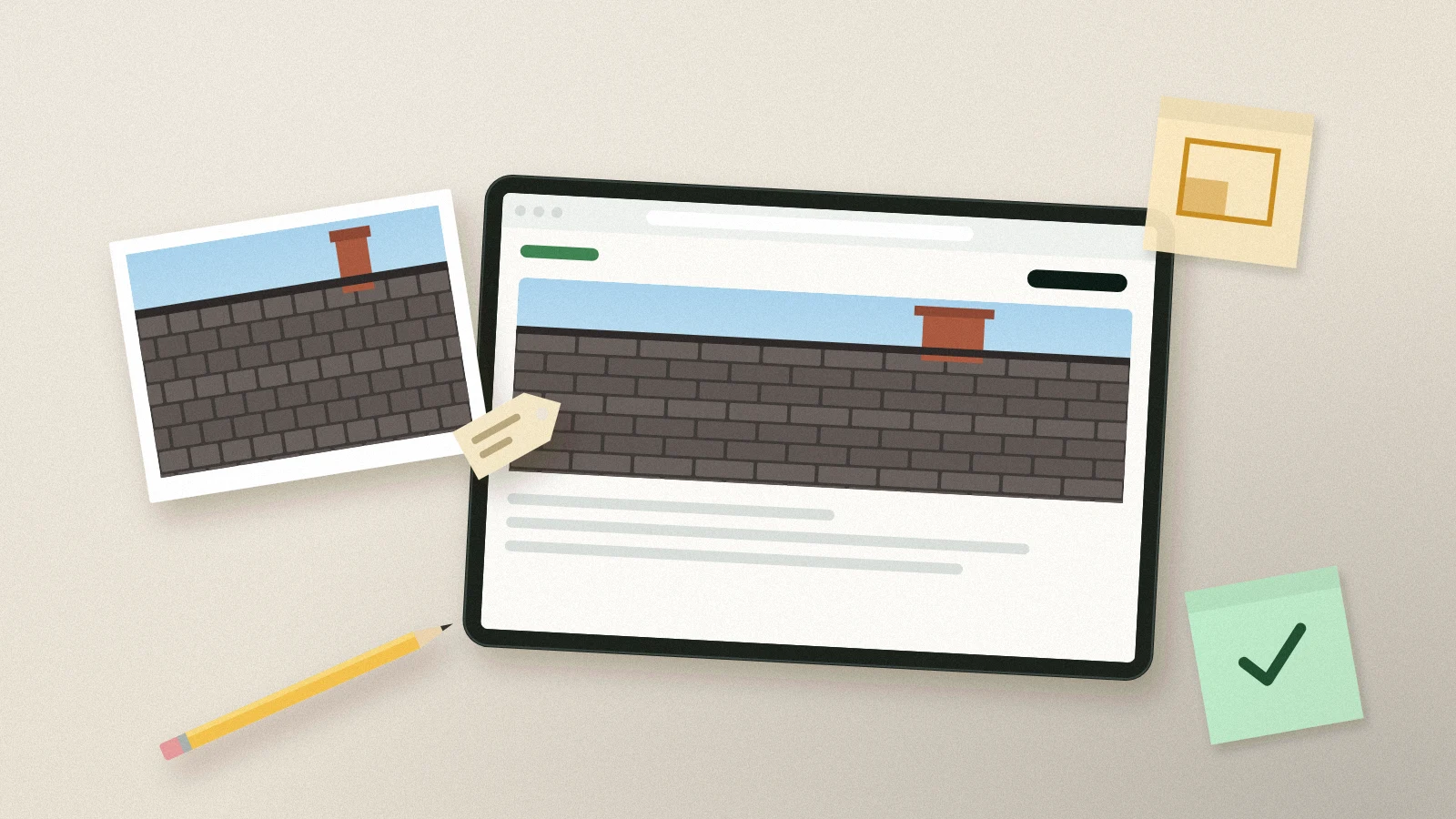
A good job photo on your website does what a good technician does at the door: it shows the customer you have handled this exact problem before. For that to work, the image has to load quickly, sit next to the right words and be described in a way that both people and search engines understand. None of this requires special tools.
Name the file before you upload it
Google's image guidance recommends short but descriptive file names and warns against generic names like image1.jpg. A phone gives you IMG_4821.jpg; rename it to describe the work, for example tankless-water-heater-install-garage.jpg. Use the language of the page the photo will appear on, describe what is in the frame, and do not pack in a list of cities.
Write alt text for someone who cannot see the photo
Alt text is read aloud by screen readers and shown when an image fails to load. Google says to focus on useful, information-rich alt text that fits the page and to avoid keyword stuffing. A practical test: read the alt text aloud to someone on the phone. If they can picture the photo, it is good.
- Weak: "plumber plumbing plumbing services best plumber"
- Better: "Tankless water heater mounted on a garage wall with new gas and water lines"
- Leave out the customer's name, street and anything you would not say on a public page.
Put photos where they explain something
Google recommends placing images near relevant text. A photo of a replaced electrical panel belongs on the panel upgrade page or in a case study about that job, next to a caption that says what was done, not in a random gallery with fifty unlabeled images. Use a standard HTML image element; Google does not index images added as CSS backgrounds.
Keep pages fast
Images are often the heaviest part of a page. Resize large photos before uploading, export them in a modern format such as WebP or a well-compressed JPEG, and let your site builder serve smaller versions to phones when it can. Google supports common formats including JPEG, PNG, WebP and AVIF, and its guidance suggests checking performance with PageSpeed Insights. A gallery that takes ten seconds to load on a phone loses the customer before the photo can help.
Choose a representative image for each page
When a page is shared or shown in search features, an image may represent it. Google lets you indicate a preferred image with structured data or the og:image tag, and recommends relevant, high-resolution images rather than generic ones like a logo. For a service page, that is usually a clear, real photo of the service.
Frequently asked questions
Does alt text help us rank in Google Maps?
Alt text describes images on your website. It helps accessibility and image understanding; it is not a lever for map rankings.
Should every photo have a long caption?
No. A short caption that states the service and general area is enough. Save details for case studies.
Can we use AI to write alt text?
It can draft a description, but a person who knows the job should check it. AI often invents details or adds keywords.
Sources and further reading
Keep exploring
- What a Useful Local Service Page Should Include
- Turn a Completed Job into a Useful Local Case Study
- Proof of Work on Your Website: What Convinces a Homeowner
Reviewed October 27, 2026. Practical examples are illustrative, not client results.