
Photos & content
Before-and-After Photos That Stay Honest and Protect Your Customers
Shoot comparisons that match, edit only what you would defend, and keep the customer's home, family and address out of the frame.
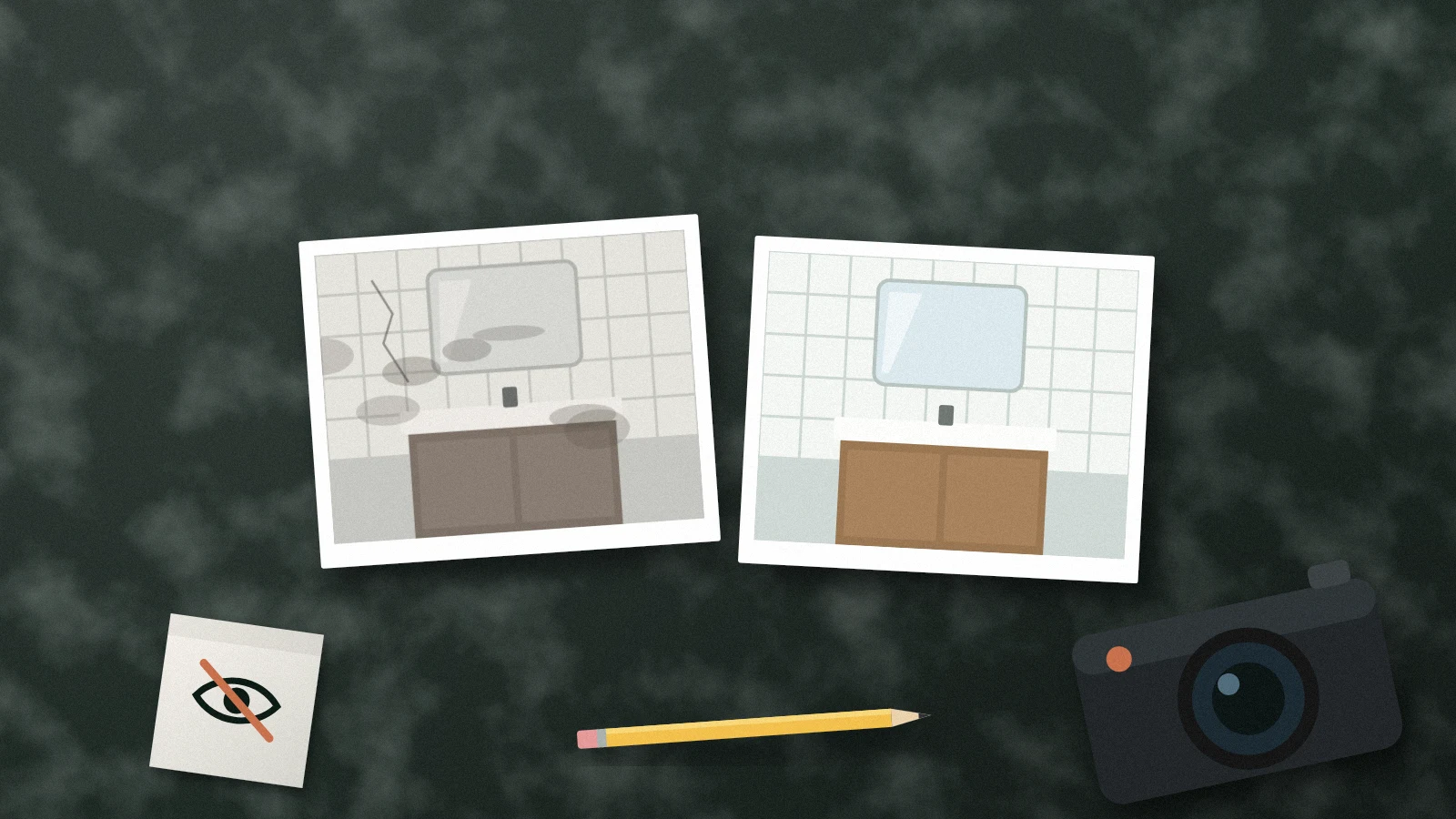
Before-and-after photos are some of the most persuasive material a service business has. A clogged drain line, a stained ceiling or an overgrown yard next to the finished result tells a homeowner more than a paragraph of claims. That persuasive power is also why these photos need rules: a misleading comparison can disappoint a customer, and a careless one can expose someone's home.
Make the comparison fair
A fair comparison shows the same thing twice. Stand in the same spot, at the same height, with the same lens and, when you can, similar light. If the before shot was taken at dusk on a phone and the after shot at noon with a wide-angle lens, part of the difference is the camera.
- Mark your standing spot with a piece of tape or note a landmark in the frame.
- Take the before photo before any work starts, including demolition or cleanup.
- Take several after photos and choose the one that matches the before framing, not the most flattering one.
Edit only what you would defend
Cropping, straightening and correcting exposure are fine; they help the viewer see. Removing a stain, adding grass, replacing a sky or using AI to "finish" a result changes what the customer is being shown. Google asks for Business Profile photos without major edits or heavy filters that accurately represent the business, and the FTC says advertising must be truthful and non-deceptive. A good test: if the customer from the job looked at the after photo, would they recognize their own result?
Apply the same discipline to timing. If the after photo was taken months later, after the lawn grew back or the paint cured, say so in the caption.
Protect the customer in both photos
The before photo is often more revealing than the after: clutter, damage, personal items, a child's room. Ask permission before you shoot, explain where the photos might appear and respect a no. Then review both frames for faces, family photos, house numbers, license plates, mail, screens and security panels. Crop or skip any photo that cannot be cleaned up.
Location deserves its own check. A distinctive house, a street sign or the view from a window can identify an address as clearly as a number. Describe the job by city or neighborhood, not street.
Caption with facts
A caption should say what was done and roughly where, in the words a customer would use: "Replaced a cracked cast-iron drain line under a kitchen sink in east Austin." Avoid claims you cannot verify, such as "will never leak again," and avoid inventing details for drama.
Frequently asked questions
Can we use a before-and-after from a supplier or another company?
Only with permission, and only if it is clearly labeled as not your work. Presenting someone else's job as yours misleads customers.
The customer said yes, then changed their mind. What now?
Remove the photos from the places you control and stop using them. Keep a note of the request and the date.
Are side-by-side collages better than separate photos?
Either works if the framing matches. Collages are convenient on social media; separate photos often show more detail on a website.
Sources and further reading
Keep exploring
- A Practical Permission Workflow for Customer Project Photos
- A field-service photo checklist for Google Business Profile
- Turn a Completed Job into a Useful Local Case Study
Reviewed October 27, 2026. Practical examples are illustrative, not client results.