
Local visibility
Moving or Renaming Your Business: Update Google the Right Way
Update the address or phone on your existing profile, check whether a new name counts as a rebrand or a new business, expect verification, and update everything customers still see.
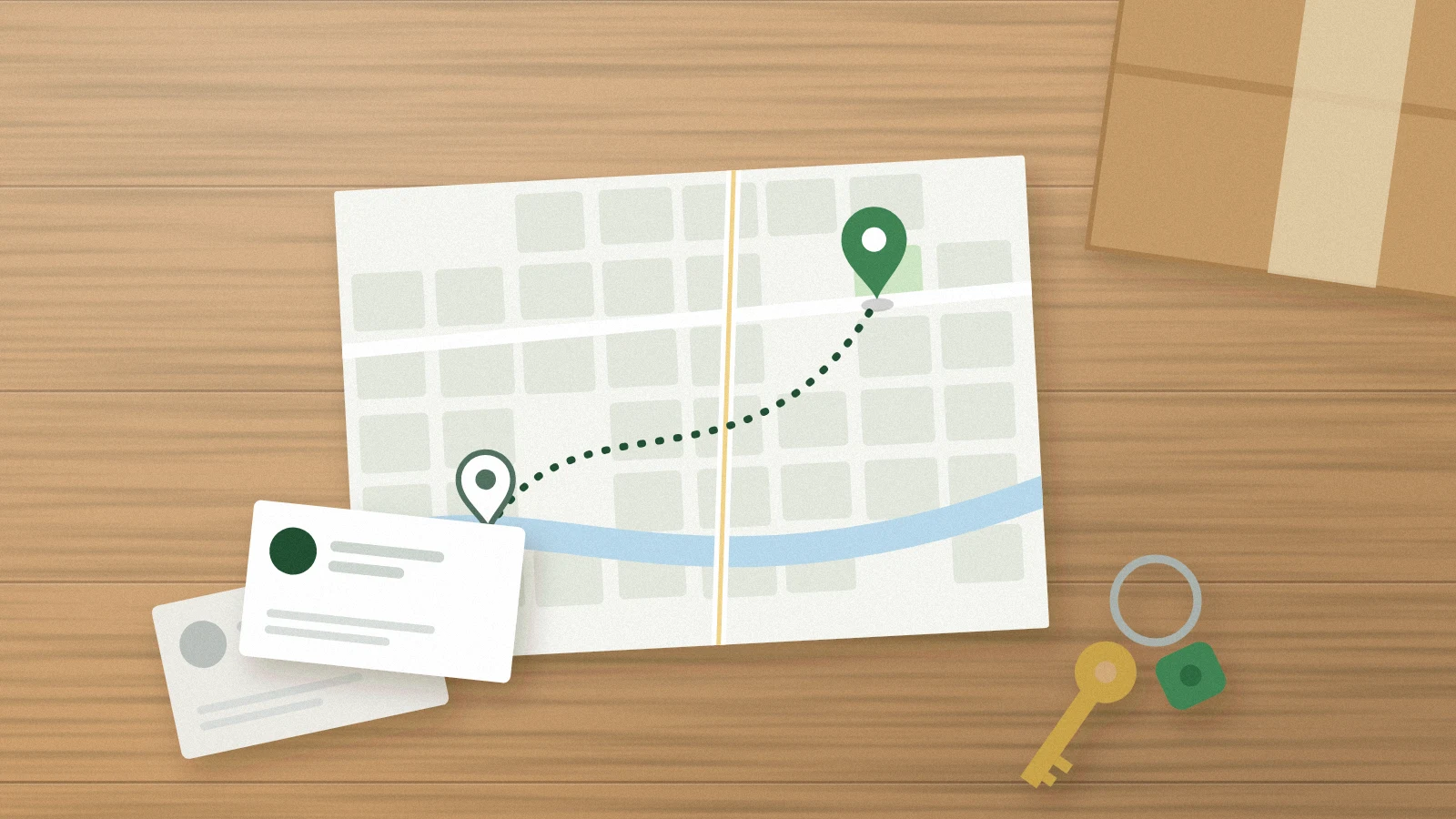
A move, a new name or a new phone number feels like an administrative chore. For a service business it is also the moment when customers are most likely to call a dead number, drive to an empty shop or find two listings that disagree. For a move or a new phone number, the safest approach is to change the profile you already have, in a deliberate order, and keep proof of each step. A new name follows its own rule.
When to keep the profile you already have
Google says a business that relocates should update the address on its existing profile rather than create a new one. For a move, a fresh profile creates a duplicate, and duplicates can be hidden from Search and Maps.
A new name is different. Google lets you change the name on your existing profile only for a minor change, where the proper nouns, the services in the name and the category stay the same, or for a business with multiple locations. Otherwise Google treats it as a new business: you mark the existing profile as closed and create a new one.
Before touching anything, confirm who owns the profile and that the owner account still works. Save screenshots of the current name, address setting, phone, hours, website link and categories.
Expect verification, and plan around it
Google reviews edits before they go live, and some changes ask for more. Its help center says that if you move to a new address after verification, you must verify again, and that changing the business name after verification might require verifying again. Treat verification as part of the project, not as a surprise.
- Make the change when someone who can complete verification is available.
- Be ready to show that the business really operates with the new details, for example permanent signage or business paperwork, in case verification asks for it.
- Do not toggle the address or name back and forth to avoid a prompt. Repeated edits make the record harder to review.
Change things in a sensible order
For a move, update the profile on the day the new location actually serves customers, not weeks ahead. Then update the website contact page and footer, the location or service-area pages, booking and quote forms, email signatures and any directory listings the business maintains. If the business does not receive customers at the new address, keep the address hidden and set the service area instead.
For a new name, first decide which case applies. If it is a rebrand Google allows on the same profile, the name on the profile should match what customers see in the real world: signage, vehicles, invoices and the website. If Google would treat it as a new business, mark the old profile as closed and create the new one, then verify it. Google's guidelines ask for the real-world name without added keywords, taglines or locations, so do not use the rename as an opportunity to add a service or a city.
For a new phone number, keep the old line forwarding for as long as you reasonably can. Customers save numbers, keep them on fridge magnets and look them up on old invoices. Update the profile, the website, call scripts and any review-request messages that include the number.
Close the loop a few weeks later
Search for the old address, old name and old phone number. Anything that still shows the old details is a task: an outdated directory, a supplier's dealer locator, a chamber of commerce page. Record each fix with the date and the account used, the same way you would for a regular contact-information audit.
Frequently asked questions
Will we lose our reviews if we move?
Not if you update the existing profile. Reviews stay with the profile; creating a new one is what separates them.
Can we keep our old address showing while we finish the move?
Show the address where customers are actually served today. Showing a closed location sends people to the wrong place.
Does a rename hurt local visibility?
It can take time for every reference to catch up, and no change can promise a position. If the new name qualifies as a rebrand, keeping one profile and updating references consistently gives customers and Google the clearest picture.
Sources and further reading
Keep exploring
- Audit Your Business Name, Address, and Phone Listings
- How to Find and Fix Duplicate Google Business Profiles
- Should Your Service Business Show Its Address on Google?
Reviewed October 27, 2026. Practical examples are illustrative, not client results.